
So, to make up for no image for illustration Friday last week, I give you two this week. This one’s a little more happy. Well, unless you’re the worm. Then it’s scary. 🙂

So, to make up for no image for illustration Friday last week, I give you two this week. This one’s a little more happy. Well, unless you’re the worm. Then it’s scary. 🙂

Happy Halloween, everyone. I’m sure this idea has been done before. It just seems too obvious to be original. But, anyhow, here’s my version.

My first illustration Friday piece. I’m going to try to participate in this for awhile. I don’t promise one every week, but I’ll do them when I have time. This week’s prompt was scattered.

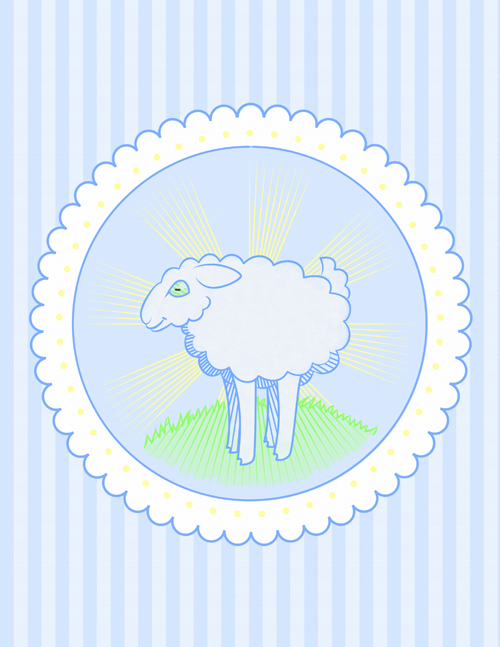
Okay, okay. Last post about the sheep. I promise. Here’s what I decided to go with. You might notice that I lengthened the legs? This way it looks more like a lamb than a sheep.
Buy it as a print or other product.
Here’s a pastel version of the sheep image I posted yesterday. I really liked playing with the hash marks all being the same direction as the lines on the rays of the sun. Technically, the sun’s behind the sheep. It should be back-lit. But that didn’t work so well with the hash marks. I may do a watercolor version with it backlit and see how that looks. But, anyhow, here’s today’s sheep.

And here’s a version without the radius lines.

Or make it really simple and remove the sun entirely. Then I don’t have the problem w/ the inconsistent light source.

Of course, it’s VERY pastel. Maybe bolder lines and a brighter green?

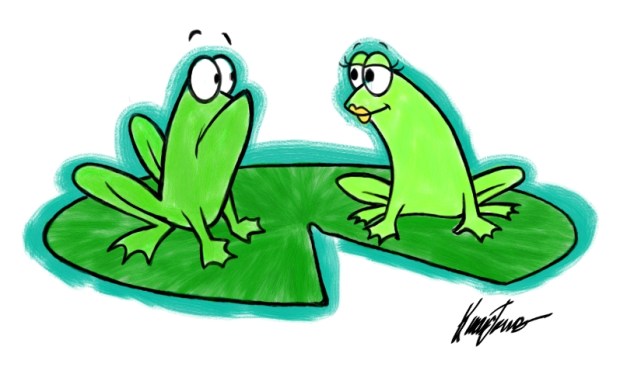
Here’s a picture I did today. I made it into a mousepad on Zazzle because I thought it was funny. Not sure if it is, I just thought it was. 🙂 I made it with extra space around the edges so I can crop is just so for whatever I’m using it for. I’m thinking about making it a greeting card or something.

And here’s the Zazzle link for the mousepad.
I came across this photo that I was really impressed with. It’s of a man dressed as Megamind standing on a city street. The highlights and shadows on his cape and false cranium looked very painting-like. The background looked almost inconsistent because it was real. So, I wanted to see what I could do with photo manipulation to improve it.
First, some credits, since this isn’t my photo:
Original photo was by Elemental (who’s okay with me using it)
Costumed Villain played by Kildread
Costume Created by God Save The Queen Fashions
Original Photo:

So, I took this and applied a Photoshop Oil Paint filter to come up with this:

This was pretty good. The filter simplified the background nicely. However, this is a picture of a costumed villain. It didn’t seem right for him to be walking around on the streets in broad daylight. It would be better as a night scene. I also wanted to put in the invisible car.

How’d I do it? Well, in the interest of disclosure, I had some instruction from someone called thinwhite_duke over on the LiveJournal community. Anyway, I used two layers with a copy of the image on both. I cut out Megamind, the sky, and the red light on the traffic signal. Then I Adjusted the levels on the layer with the scene to make it dark and night-like. Surprisingly, the signs magically transformed into neon signs without my actually doing anything. Then I used variations on both layers to make it bluer. I added a layer between the two and put a gradiation in for the sky. And I burned and dodged both the dark scenery layer and the original layer to touch things up. Then I painted the highlights for the invisible car on another layer. It was actually very easy.
 Karen B. Jones - Illustrator