Here are two logos I recently designed for a client of mine.
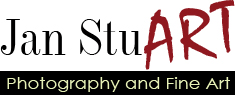

So, the first one played with the ART in her name to reinforce the idea that she is an artist. The accent color would be changed to match whatever accent color she ultimately chose for the site as a whole. The client didn’t like this logo because she thought it was too whimsical.
The second was created after the client found the fonts used on her business card. I played with the positioning of the text and created a divider line that, I thought, matched both fonts well.
I did not create any of the fonts used above. The first one is using Indy 17, Stucco, and Century Gothic. The second is using Little Lord Fontleroy and Paris Normal.
Anyway, I just thought I’d share this.
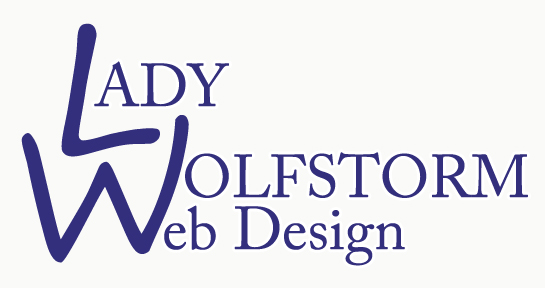
 designs were done with free fonts available online and I did not manipulate them at all. I just made them different font sizes and arranged them in different positions in Photoshop. No warping or retouching. I’m hoping my friend, who does know her way around Photoshop, can create her own text logo that projects the exact image she
 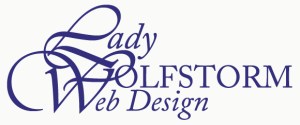 wants to show.
 Karen B. Jones - Illustrator